Send an announcement to the team
Practice moved to Field 4 — tell every family in five seconds, with the right urgency and audience.
Open the team Q
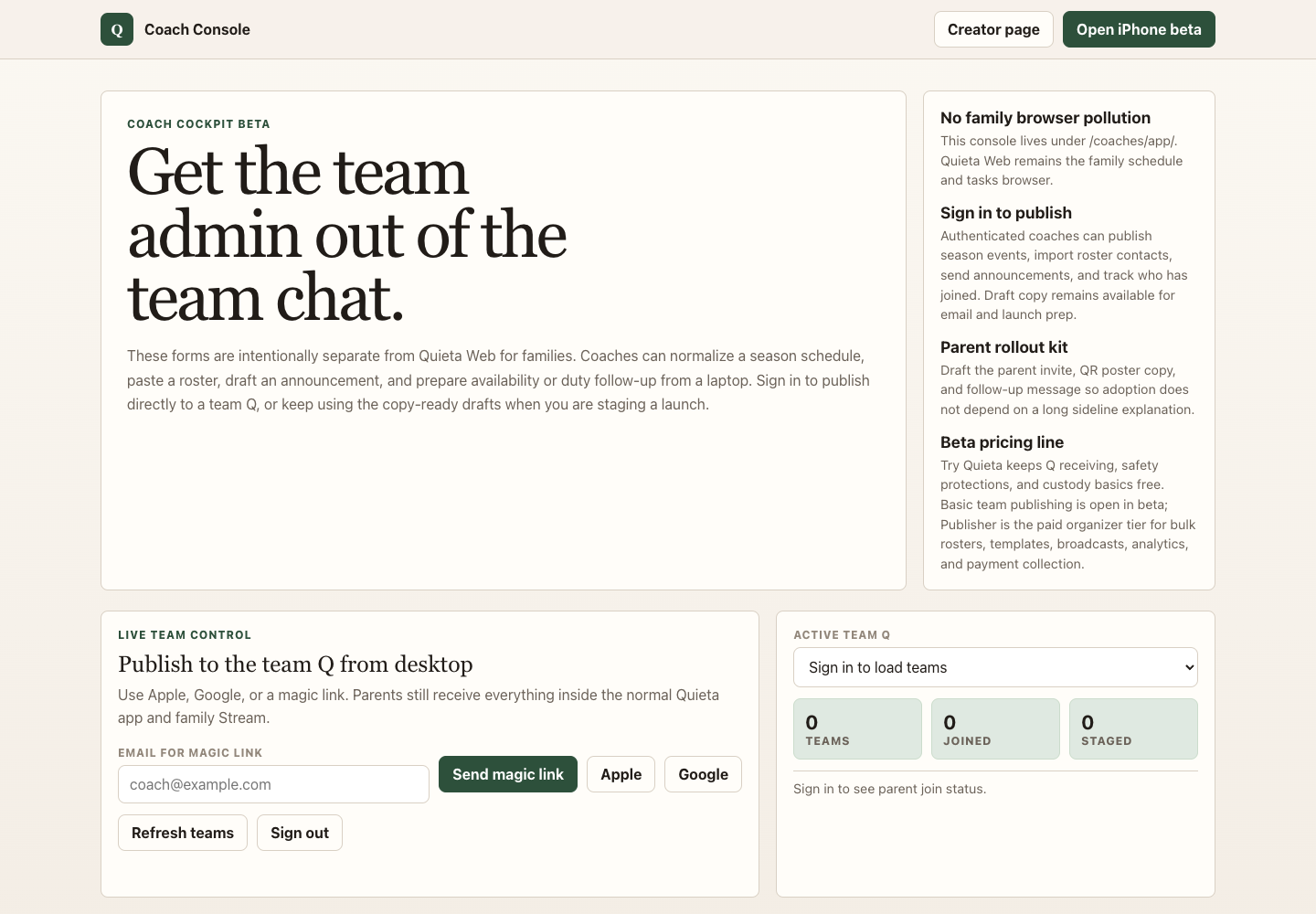
Tap the team pill on the Stream. On iPad or desktop, open Coach Console → Announcement.
Tap the megaphone
On iPhone, the megaphone sits at the top of the team's stream. On the console, the Announcement tab opens directly to a draft form.
Pick audience and urgency
Audience: Parents (default), Players, Everyone, or Followers without app accounts. Urgency: Normal for routine updates, Urgent for tonight-only changes that need a push notification through quiet hours.
Type the message
Short and specific. Practice tonight moved from Field 2 to Field 4. Skip greetings and signatures — the team Q already shows your name.
Send
Joined or subscribed app users get a push and the message appears at the top of their Stream. Contact-only roster rows (parents who have not joined yet) need the parent invite first — their row stays in the launch kit follow-up list until they accept.