Post a season schedule
Paste the whole season once. Quieta makes events for every game and practice and every family sees them in the Stream.
Open your team Q
Tap the team pill on the Stream or open Settings → Your Qs → your team. Make sure events you create here go to the team Q (not your family Q) so every parent on the roster receives them.
Pick the right entry point
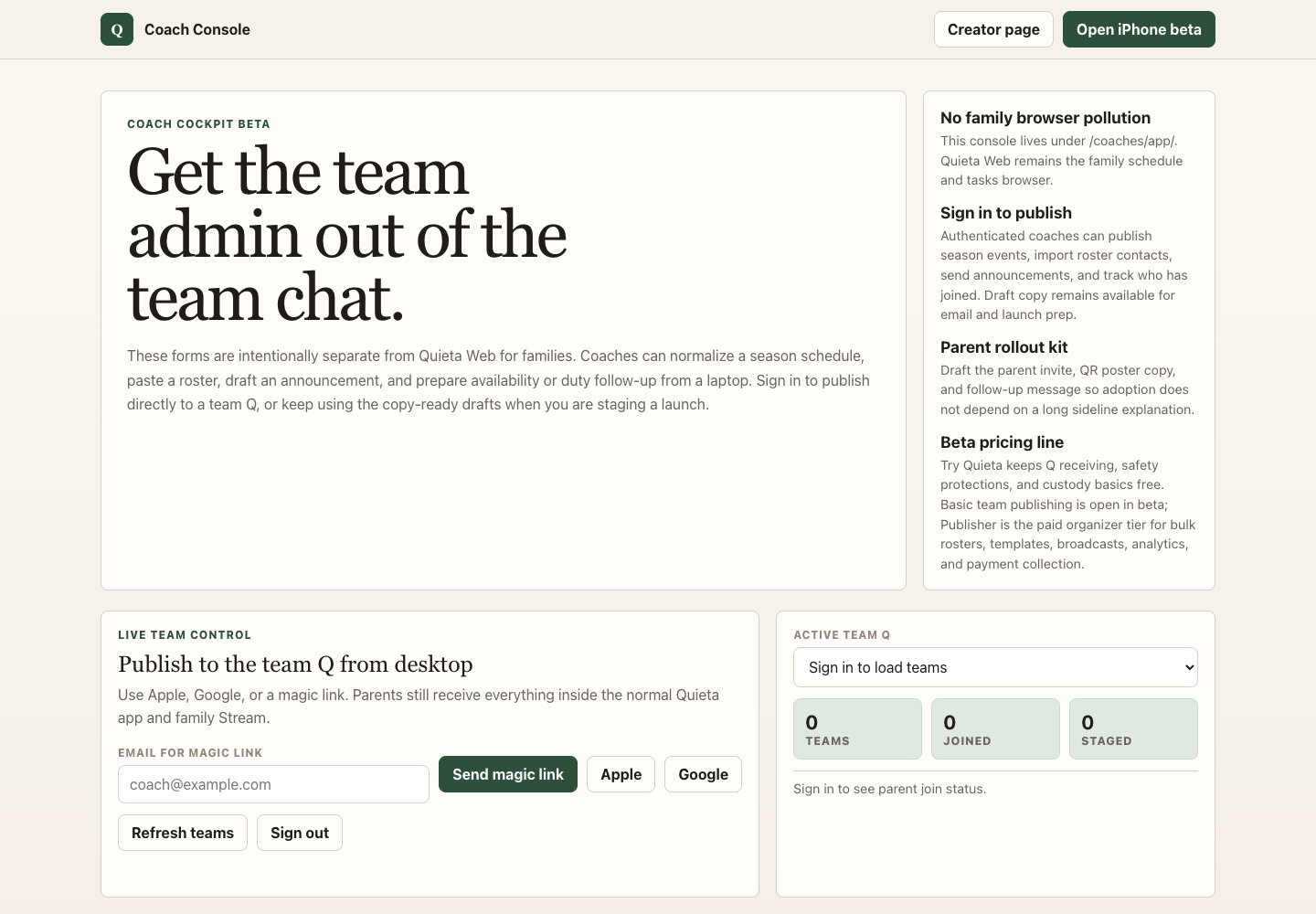
For one or two events, tap the capture button on the team's Stream. For a long season spreadsheet, league PDF, or registration export, open Coach Console on a desktop or iPad browser and choose Season events.
Paste the season
Copy the whole thing from your league's PDF, email, spreadsheet, or your previous team app's export. One row per event — date, time, title, and location are all Quieta needs. Commas or tabs both work, and a short line like 5/12 6pm Practice North Field becomes a draft row.
Review and publish
Quieta extracts every game and practice into a preview list. Fix typos, drop accidental rows, then tap Publish to selected team (signed in) or Copy for Quieta import (offline).
Every family on the team Q sees the season in their Stream — no message-thread chaos, no calendar invite cleanup. If the league moves a date later, edit it once in Quieta and the change propagates.