Collect RSVPs for an event
Know who's coming. One toggle on the event, one tap from each parent.
Open the event
Tap the event card on the team Q's Stream. The detail sheet shows date, time, location, and the RSVP toggle.
Turn on RSVPs
Flip the RSVP toggle on. Optionally set a headcount target (e.g. 9 players for a soccer match) so the dashboard tells you how close you are.
Parents tap Yes or No in their Stream
The event shows an RSVP pill on every parent's Stream. One tap is confirmed. Parents can change their answer anytime up to the event start.
See the dashboard
From the event, tap See RSVPs for a list: who's coming, who's not, who hasn't answered. For whole-team availability across the season, open Availability from the team dashboard.
Nudge no-responses without spamming
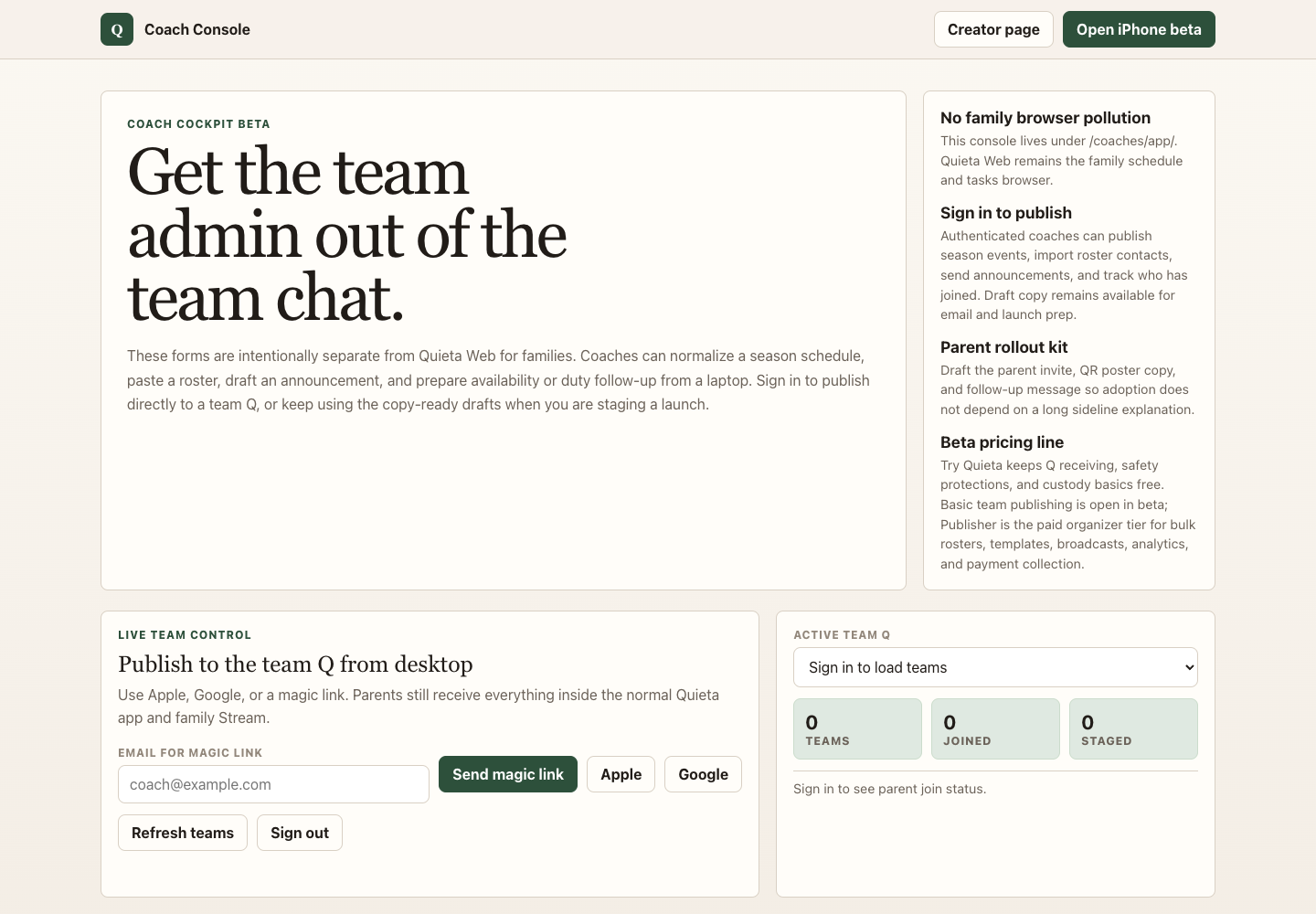
Open Coach Console → Duty follow-up for a copy-ready no-response message keyed to the actual waiting count. Or send a one-line announcement to the Parents audience.