Ask someone to cover an event
One-tap request: 'Can you take Madison to piano Thursday?'
1
Open the event
Tap any event on the Stream.
Screenshot queued for the next help-center capture pass.
2
Tap Ask
On the event detail, the Ask button starts a cover request.
Screenshot queued for the next help-center capture pass.
3
Pick who to ask
Quieta shows the Q members ranked by likelihood of saying yes — based on who's free and who's taken this event before.
Screenshot queued for the next help-center capture pass.
4
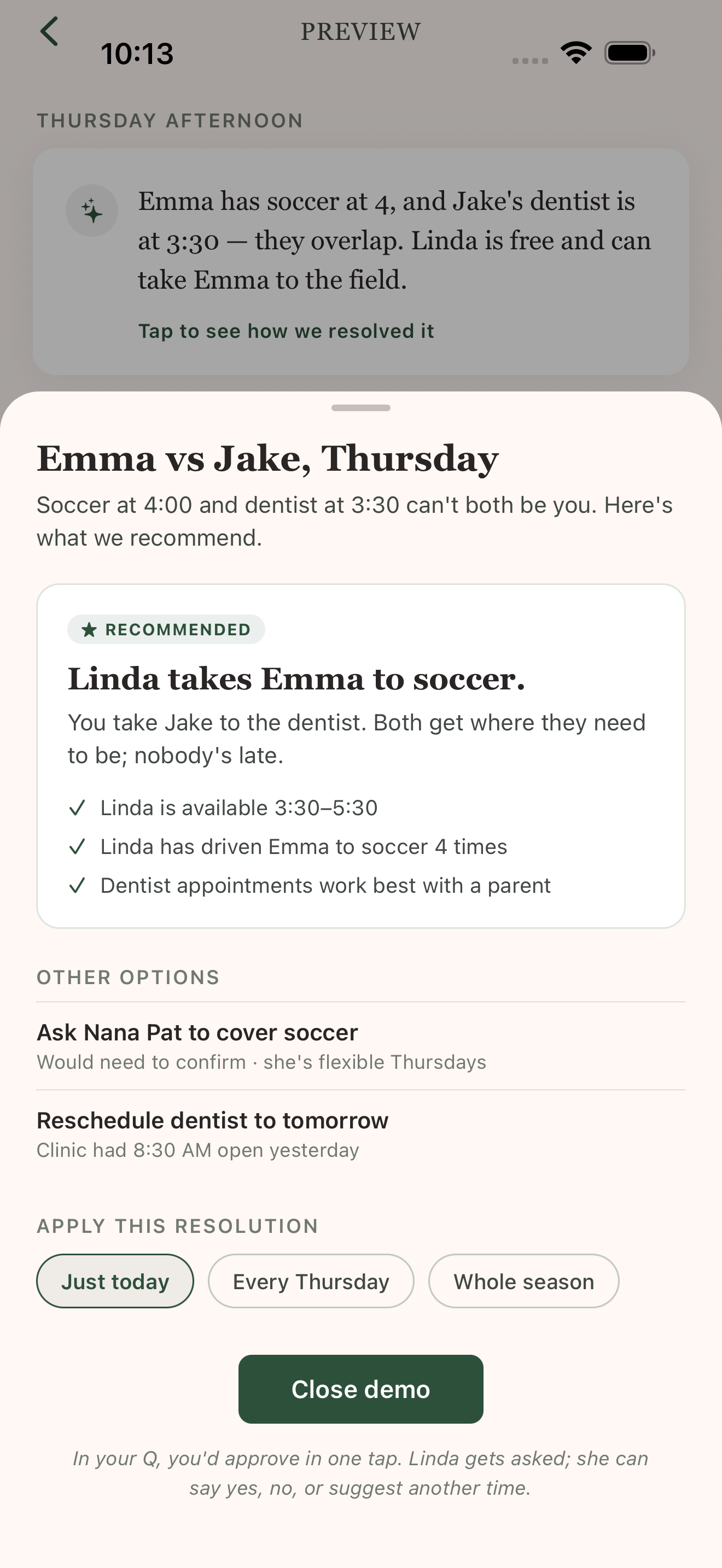
Send
They get a notification. They tap Yes or No. Quieta updates the event automatically.