Sign in with Apple or Google
Getting into Quieta the first time.
1
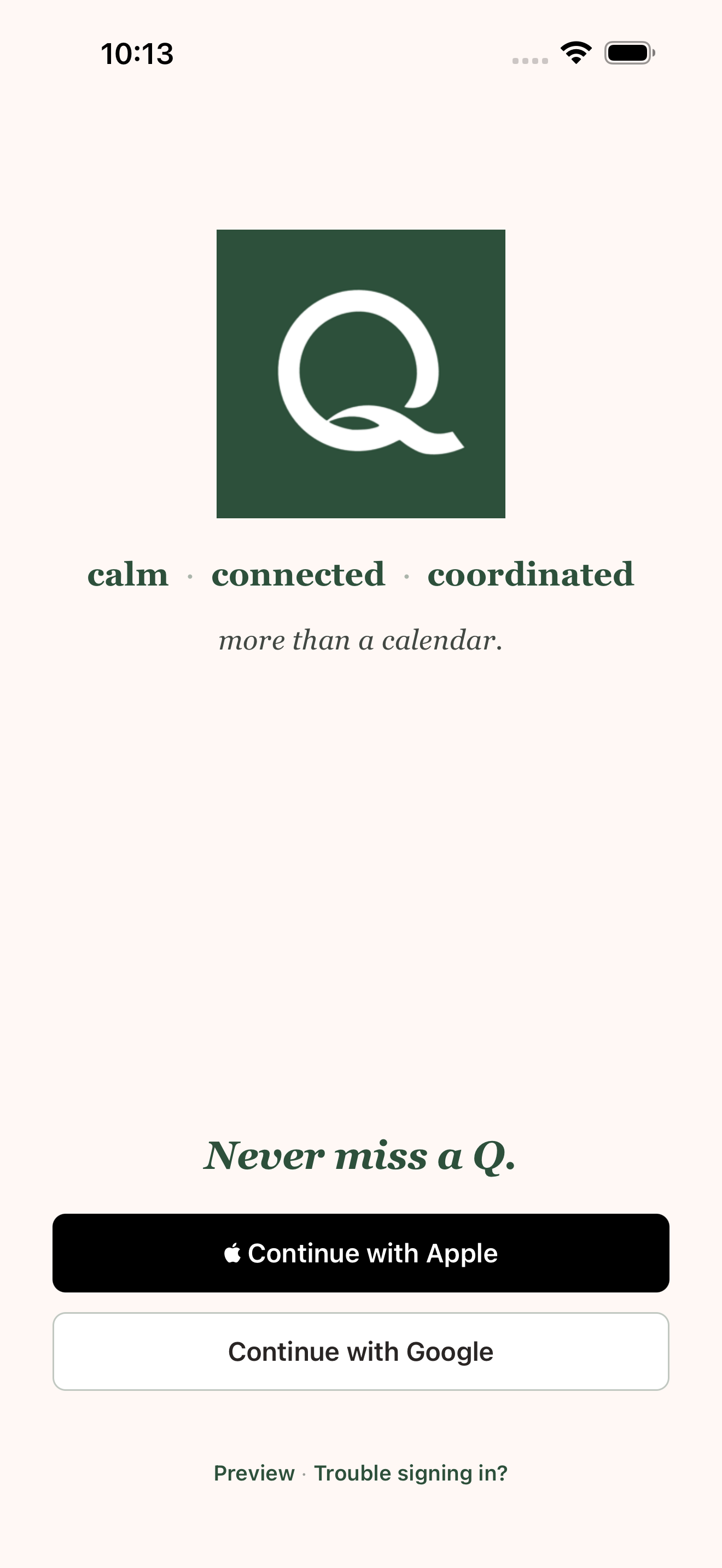
Open Quieta
Launch the app. You'll see the welcome screen — Quieta's lockup with The Qs that matter, when they matter. and Never miss a Q. underneath.
2
Tap Continue with Apple or Continue with Google
Both work. Apple hides your email by default; that's fine — Quieta only uses it to send password resets you may never need.
Screenshot queued for the next help-center capture pass.
3
Confirm on the provider's sheet
Apple asks you to share or hide your email; Google asks you to pick an account. Either way, tap confirm.
Screenshot queued for the next help-center capture pass.
4
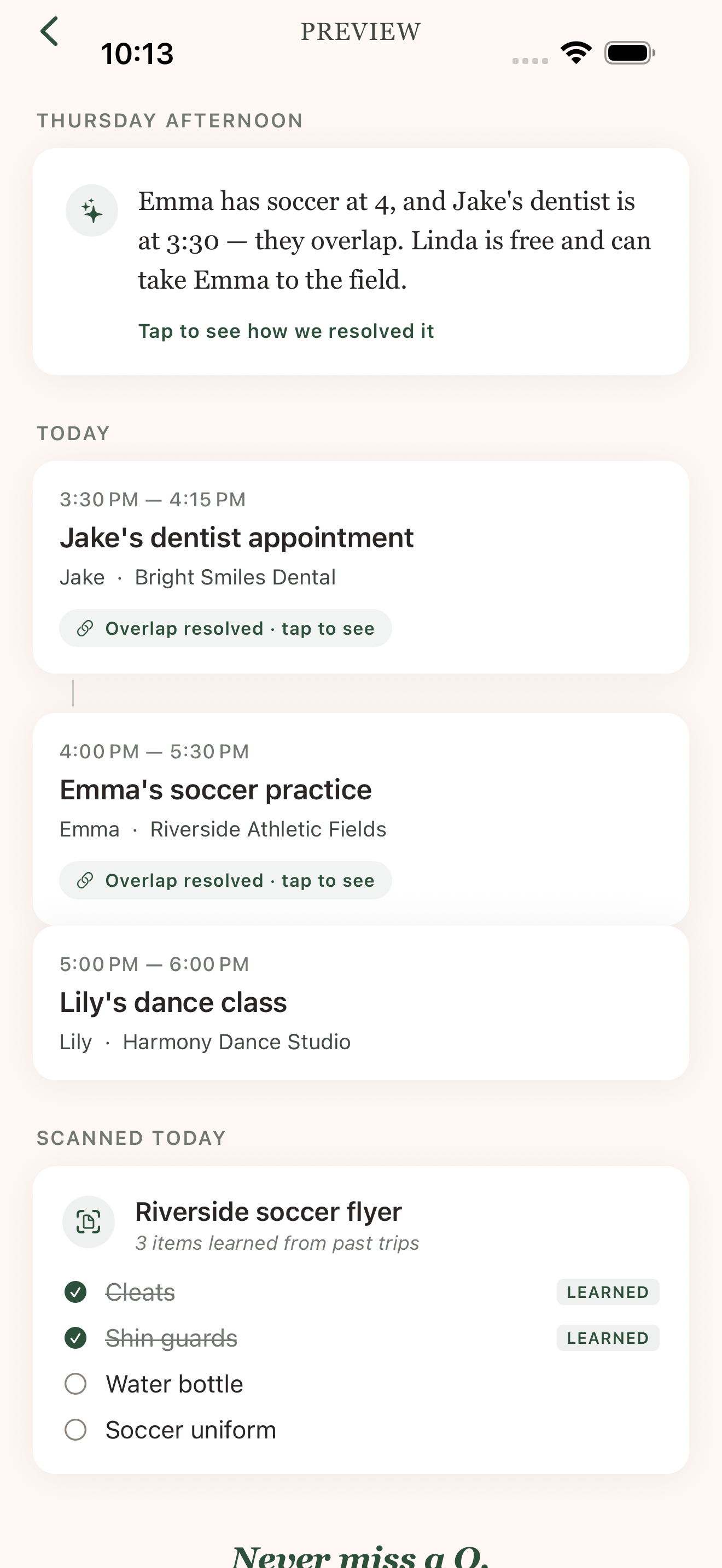
You're in
On the very first sign-in, Quieta creates your personal Q automatically and asks if you want to import a calendar. That's the next step — Import your calendar.
Trouble? Tap Trouble signing in? on the welcome screen — you'll get a magic-link fallback by email.